
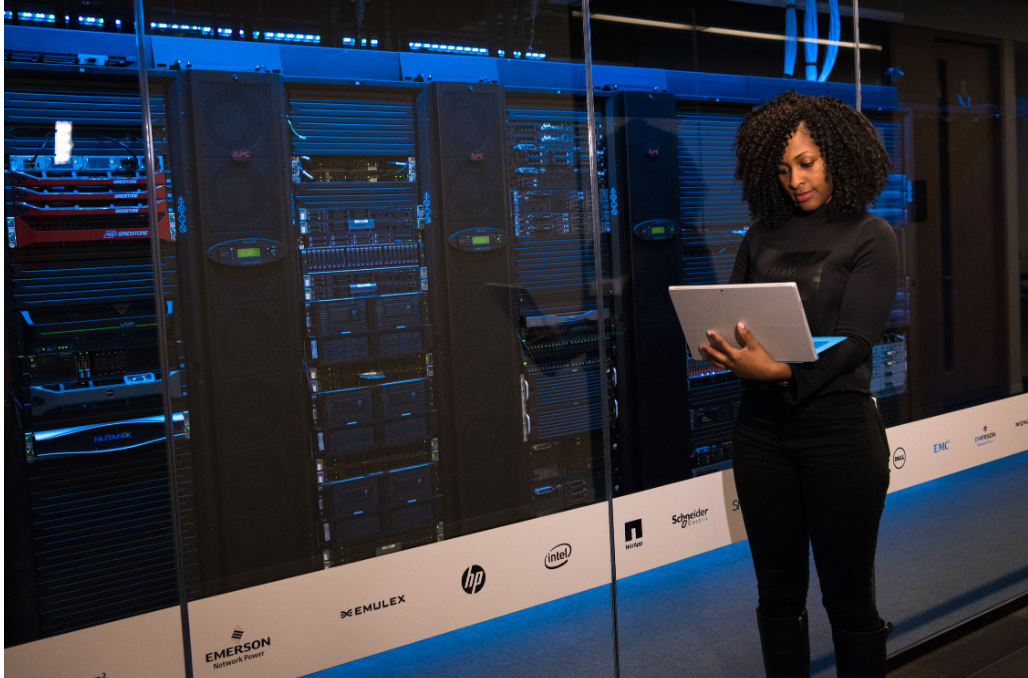
Behind every public cloud service, dynamic server allocation, and enterprise migration lies a fundamental enabling technology: virtualization.
Virtualization abstracts physical computing hardware—such as CPUs, RAM, storage arrays, and network interfaces—into software-defined, isolated environments. Without virtualization, modern cloud providers like AWS, Azure, and Google Cloud could not deliver multi-tenancy, rapid scaling, or pay-as-you-go pricing models.
What is Virtualization?
At its core, virtualization creates a software representation of physical hardware. It allows a single physical server (the “host”) to run multiple, isolated virtual environments simultaneously—each called a Virtual Machine (VM) or virtual environment with its own guest operating system.
The Core Enabler: The Hypervisor
The centerpiece of hardware virtualization is the Hypervisor (also known as a Virtual Machine Monitor, or VMM). The hypervisor acts as an abstraction layer sitting directly between physical hardware and virtual environments, intercepting hardware commands and dynamically managing system resources.
1. Type-1 (Bare-Metal) Hypervisors
Type-1 hypervisors install directly on physical server hardware without needing a host operating system. Because they interact directly with bare-metal hardware, they deliver ultra-low overhead, maximum performance, and strict resource isolation.
-
Where it’s used: Enterprise data centers and public cloud infrastructure.
-
Examples: VMware ESXi, KVM (Kernel-based Virtual Machine), Microsoft Hyper-V, Xen.
2. Type-2 (Hosted) Hypervisors
Type-2 hypervisors run as an application layer on top of an existing conventional host operating system (e.g., Windows, macOS, or Linux).
-
Where it’s used: Local developer workstations and testing environments.
-
Examples: Oracle VirtualBox, VMware Workstation, Parallel Desktop.
Types of Virtualization in Cloud Systems
Modern cloud platforms extend virtualization concepts far beyond basic virtual server instances:
+--------------------------------------------------------------------------+
|                       TYPES OF CLOUD VIRTUALIZATION                      |
+--------------------------------------------------------------------------+
|  1. Hardware/Server  --> Slices physical CPUs/RAM into virtual instances |
|  2. Storage          --> Pools physical disks into unified software SANs |
|  3. Network (SDN)    --> Abstract physical switches into virtual VPCs    |
|  4. Desktop (VDI)    --> Hosts remote user desktop sessions in cloud VMs |
+--------------------------------------------------------------------------+
-
Server Virtualization: Slices physical rack servers into multiple virtual compute instances (e.g., AWS EC2 instances, Azure VMs).
-
Storage Virtualization: Combines multiple physical hard drives and SSD arrays across data centers into a single logical storage pool managed by software.
-
Network Virtualization (Software-Defined Networking – SDN): Decouples network control logic from physical switches and routers, enabling virtual private clouds (VPCs), custom subnet routing, and virtual firewalls.
How Virtualization Powers Key Cloud Characteristics
Virtualization is directly responsible for delivering the core defining traits of cloud computing:
| Cloud Characteristic | How Virtualization Enables It |
| Multi-Tenancy | Hypervisors logically isolate multiple different customers (tenants) safely on the exact same physical server host. |
| Rapid Provisioning | Spinning up a new physical server takes weeks; cloning or launching a virtual machine image takes seconds. |
| Resource Pooling | Unused CPU cores and memory from underutilized hardware are pooled together to maximize efficiency. |
| High Availability | Live migration techniques (like vMotion) allow running VMs to move across physical servers without downtime. |
Virtual Machines vs. Containers
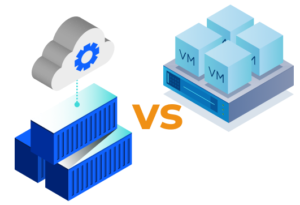
In modern cloud-native architectures, containerization (e.g., Docker, Kubernetes) builds upon traditional virtualization concepts:
+------------------------------------+   +------------------------------------+
|         VIRTUAL MACHINES           |   |            CONTAINERS              |
+------------------------------------+   +------------------------------------+
|  App A   |  App B   |  App C       |   |  App A   |  App B   |  App C       |
|  Guest OS|  Guest OS|  Guest OS    |   |  Bin/Lib |  Bin/Lib |  Bin/Lib     |
|  Hypervisor                        |   |  Container Engine (e.g. Docker)    |
|  Host OS / Hardware                |   |  Shared Host OS / Hardware         |
+------------------------------------+   +------------------------------------+
-
Virtual Machines: Virtualize the entire hardware stack including a full guest operating system. Offers maximum security boundary isolation, but consumes higher memory and takes longer to boot.
-
Containers: Virtualize the operating system kernel itself. Multiple containers share the host OS kernel, making them lightweight, fast to launch, and highly portable—ideal for microservices.
Summary
Virtualization transformed physical data center management by turning hardware resources into fluid, software-configurable units. By allowing hypervisors to pool, isolate, and distribute physical compute capacity dynamically, virtualization forms the indispensable technological foundation underlying all modern cloud computing platforms.