While Microsoft is known for its consistently bad Windows updates, Apple isn’t perfect either. The Cupertino-based company still releases its share of buggy software from time to time.
For example, over the past few days, Apple’s new iOS 13.5 update has rendered several apps on user’s devices unusable. If you are having this problem then tap or click here to fix this problem.
While a glitch preventing an app from being opened is annoying, it’s not as dangerous as a major security flaw found in a recent Apple update. Thankfully that dreaded bug has been fixed.
Apple’s latest bad luck
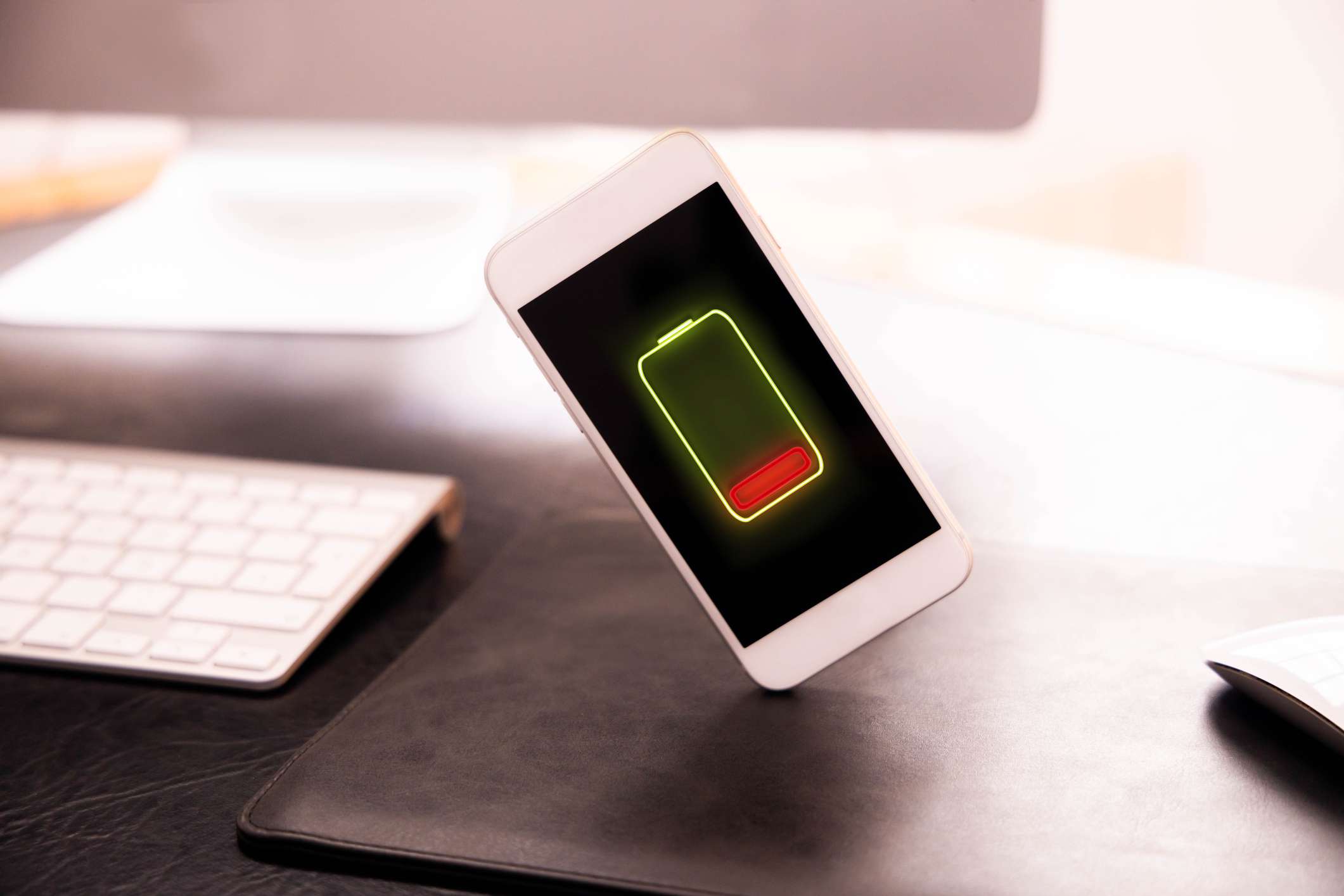
Updated July 21, 2020 – Have you noticed that your iPhone’s battery is draining faster than usual lately? This is probably a result of the recent iOS 13.6 update. Since the update, people have been constantly complaining about apps running in the background and their iPhones feeling hot or hot. Also, the battery does not hold a charge like before.
Unfortunately, there is no easy solution for this yet. But, you have a few options. First, open Settings > Scroll down and select Battery. Here, you can scroll down under Battery usage by app and see if there are specific apps using up a lot of juice, if so you can delete those apps.
Another option is to prevent apps from refreshing in the background, which should theoretically prevent them from draining your battery. To do this open Settings > General > Background App Refresh.
From here you can either tap on Background App Refresh and select Off. It turns off the feature for every app. Or, you can scroll down and slide the toggle to the left next to each app that’s using tons of battery power. This only turns off the feature for the apps you select.
If these options don’t work and you are still having battery issues, there is another drastic measure you can take. Reset all your iPhone’s settings. Don’t confuse this with a factory reset of your device, which will clear everything and reset it like it was out of the box.
No, it will just revert the iPhone settings to their defaults which may take care of battery draining issues that resulted from tweaking some settings along the way.
How to Return iPhone Settings to Their Defaults
If this doesn’t fix the problem, consider making an appointment at the nearest Apple Store so a genius can check it out and see if you need to replace the battery. But, be sure to do this as an end result so that you are not spending money on a new battery if it is not necessary.
Original post detailing iOS flaw and fix
Earlier this week we told you about Apple users complaining about a number of bugs causing problems with their devices. These bugs appeared after installing Apple’s 13.5 operating system update that included several important features.
The glitches from the update were massive. For example, iPad users described an issue where the device constantly restarts itself instead of booting up. Obviously, a hard reset doesn’t fix the problem either. Tap or click here for details on more bugs coming from updates and some improvements.
Those are just messy issues. Unfortunately, there is another problem that is far worse.
Over the weekend, a hacker group known as Unc0ver came up with a tool that would allow people to “jailbreak” all versions of iOS from 11 to 13.5. This will let users install disapproved software from third-party app stores.
As you know, third-party app stores are a source of trouble. They don’t have strict rules like the official App Store, so it’s easy for scammers to get your malicious apps. We highly recommend sticking to the official App Store.
The good news is that Apple just released a new OS update. It is available for most Apple devices.
How to Update Apple Devices
Apple released its 13.5.1 update this week and it prevents the latest jailbreak tool from compromising the system. Some other glitches from the recent update are still being worked on, but we recommend updating to 13.5.1 as it fixes a critical security issue.
Whether you have an iPhone, iPad, Mac, or Apple Watch, the process for updating its operating system can be a little different. Here are the steps to update each device.